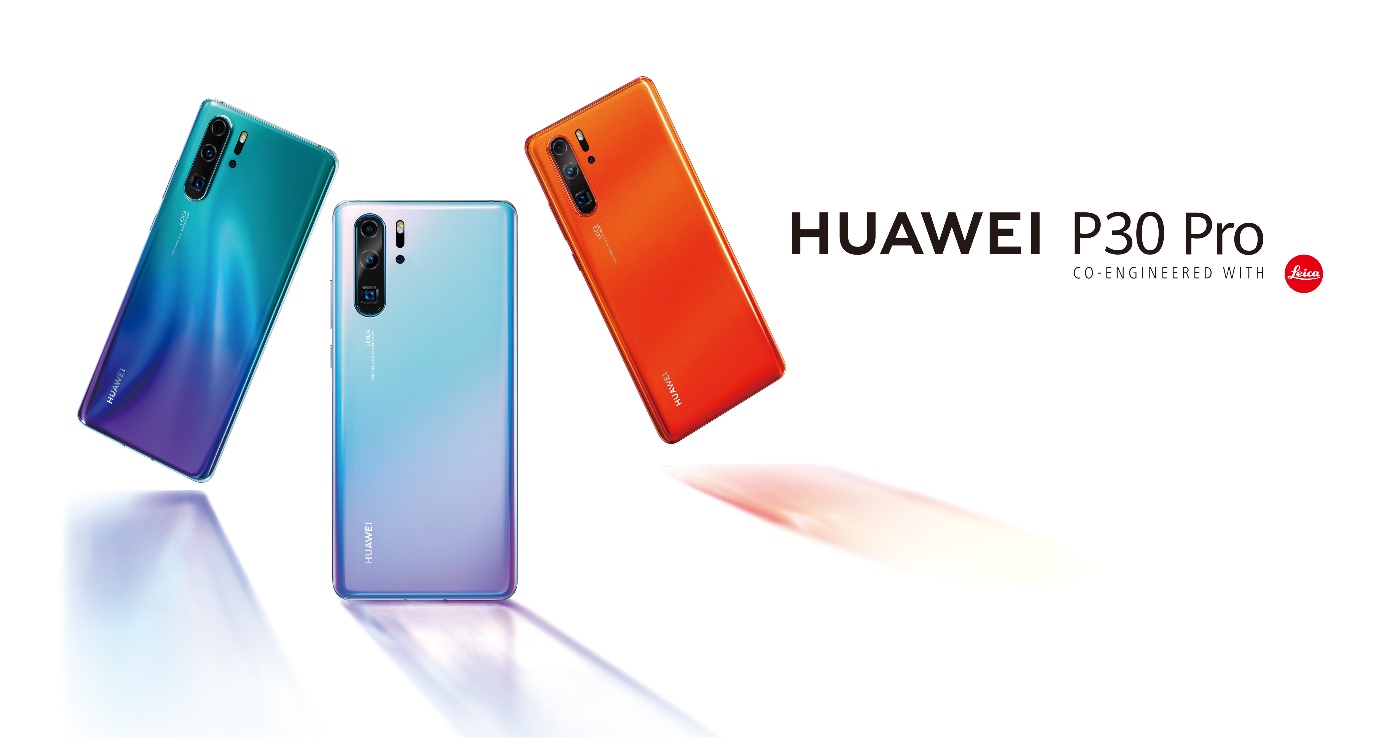
Huawei’s latest flagship champion, the HUAWEI P30 Pro, has been recognized for its amazing Quad Leica Camera and solid performance features. However, there is a lot more hidden in this smartphone powerhouse which can make your daily life easier, while also being simply cool to use. Here are some of the surprising features that you can find on the HUAWEI P30 Pro and just how exactly you can use them.
In screen fingerprint reader
Fingerprint sensors housed in home buttons or behind the phone are old news. Thanks to the InScreen Fingerprint Reader on the HUAWEI P30 Pro, unlocking your phone is as simple as just tapping the screen. All you have to do is register your fingerprint and then tap to unlock. Not only does this make it easy to use, but gives the phone a stunning display without any interruptions.
Navigation made easier
The standard navigation bar consisting of the Home, Back and Recent Apps is present on every modern smartphone. If you are not a fan of it you can easily hide it from the Navigation Settings, clearing the way for a larger display. However, thanks to the intuitive features of the EMUI 9.1, you can also opt for gesture navigation options that make it easier while using your phone. When switched on, you just have to swipe up from the bottom to return to the Home screen, swipe inward from left or right edges to go back then swipe up and hold to access Recent Apps.
Do more with your knuckles
Taking screenshots are made easier with this cool hidden feature, embedded in the operating system of the Huawei P30 Pro EMUI 9.1: Just knock twice using your knuckles to take a screenshot or draw an “S” with your knuckles for a scrolling screenshot. Drawing a straight line across the display will also split the display for multitasking.
The unique video ringtone
Bored with the traditional musical jingle when you get a call? With the HUAWEI P30 Pro, you can customize your ringtone to be a video ringtone, where a short video will fill up the screen while ringing. Found in the Ringtones and Vibration menu, all you have to do is select a video and enjoy the clip when your phone rings.
Multiple Accounts: Use App Twin
A unique feature found on the HUAWEI P30 Pro, App Twin allows users to easily clone an application for multiple login options. Used most commonly on social media apps, or other apps that allow only for one account, App Twin is the best way to handle multiple accounts without having to sign out.
Setting up App Twin is pretty simple. In the Apps menu found in Settings, scroll down to App Twin and locate the application that needs to be cloned and toggle the button next to it. Then once you head back to your home screen or app drawer, you can find a second icon for the app next to the original with a number 2 in the bottom corner.